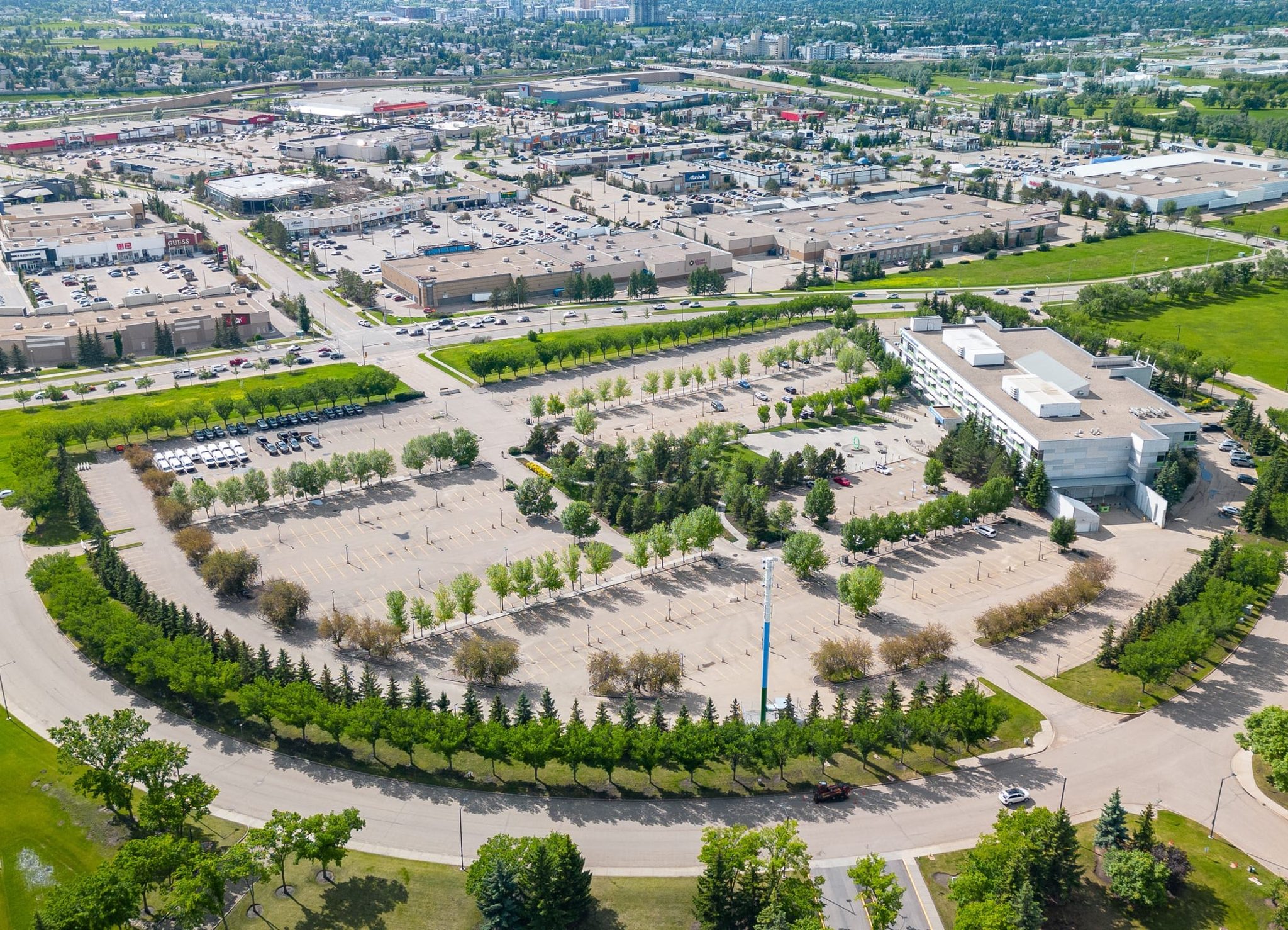
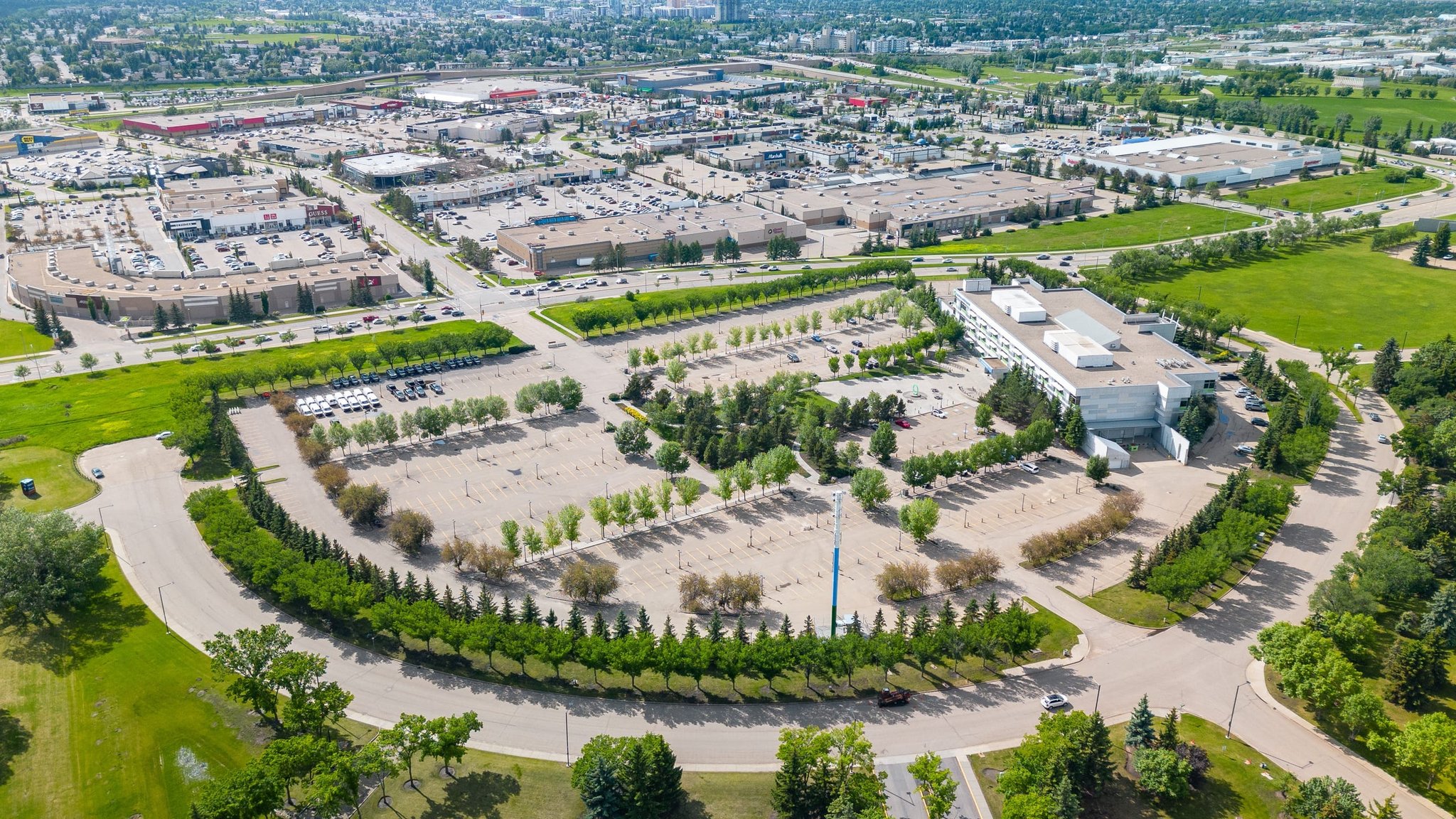
Drone photos
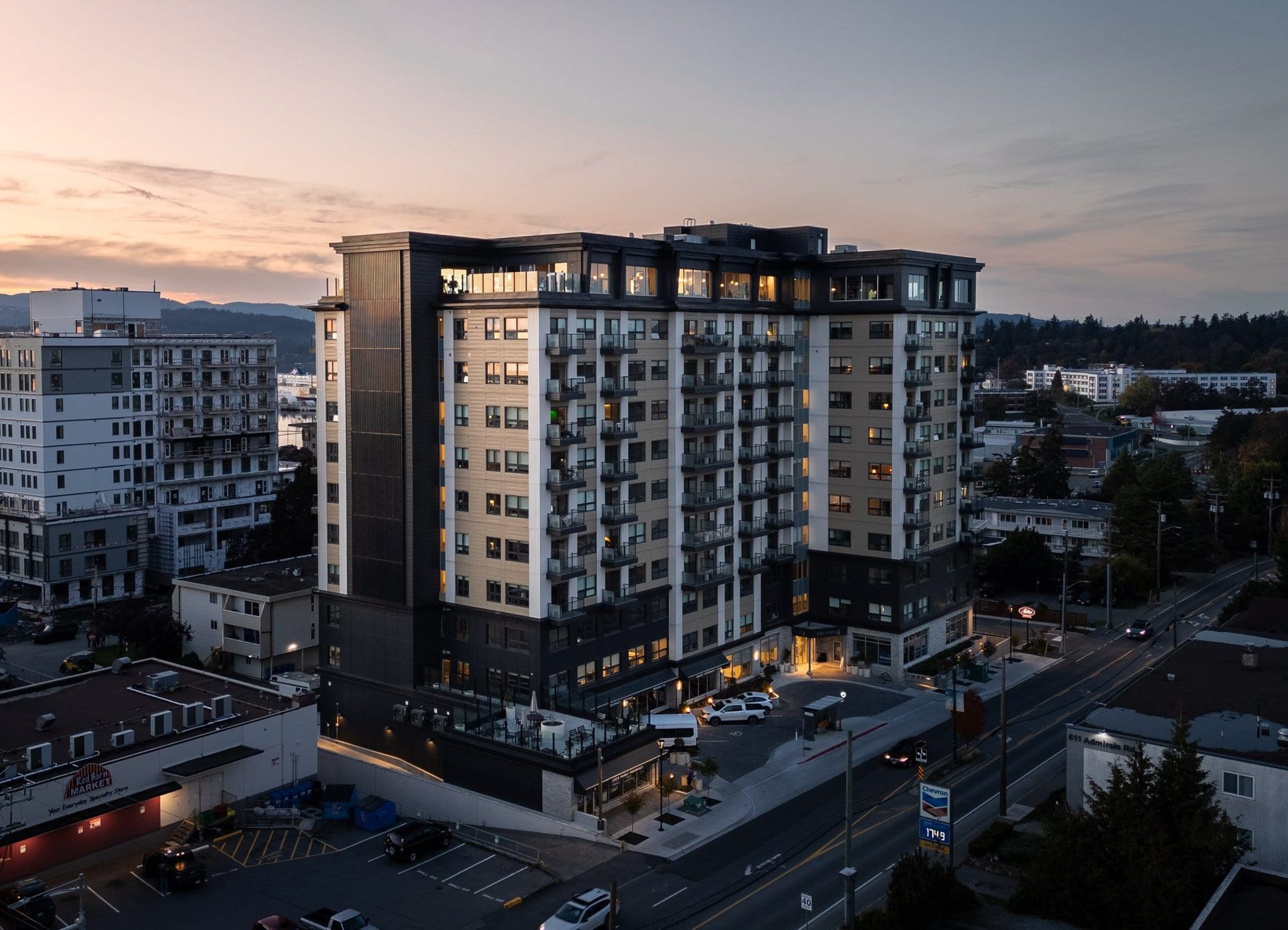
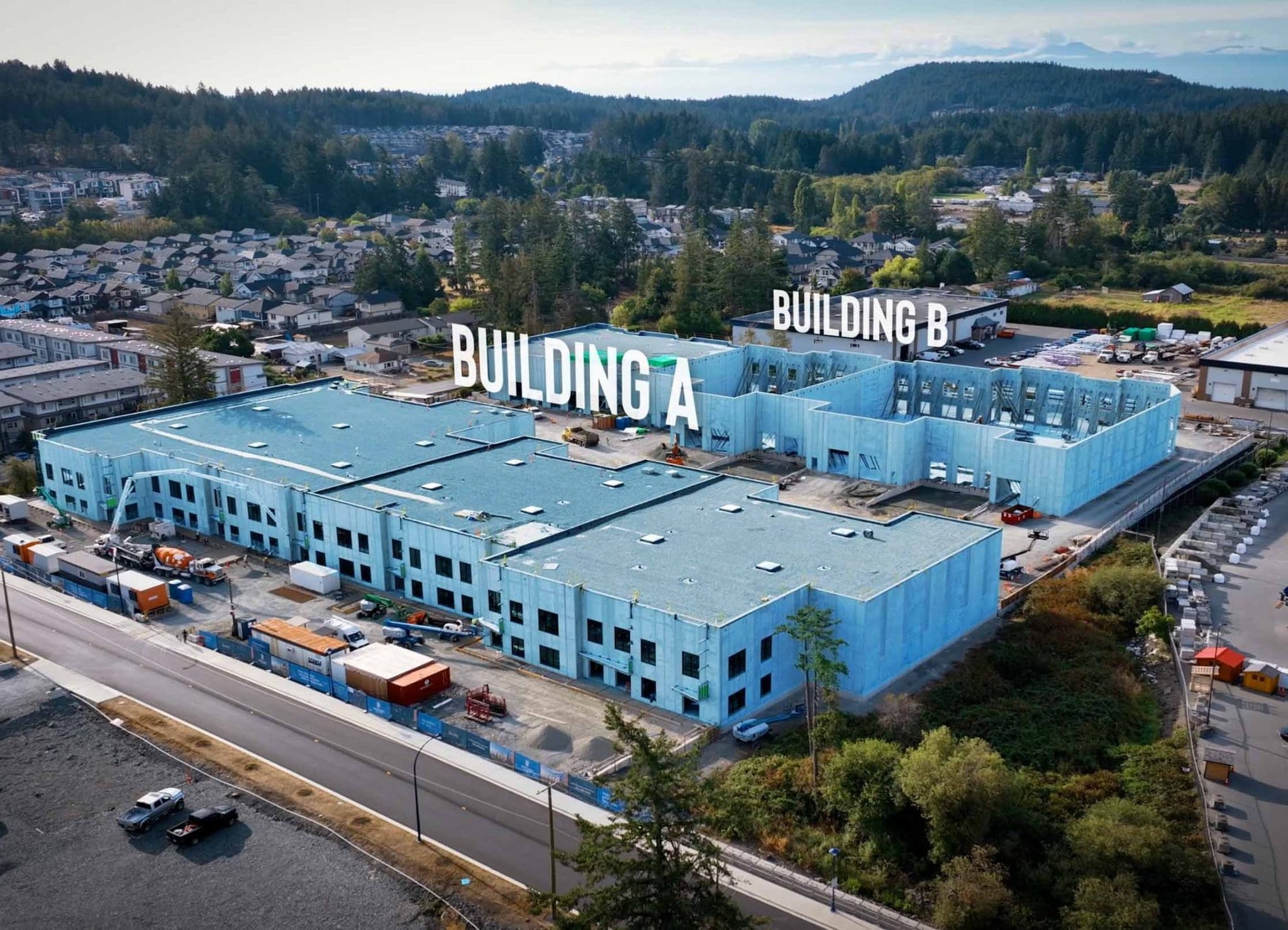
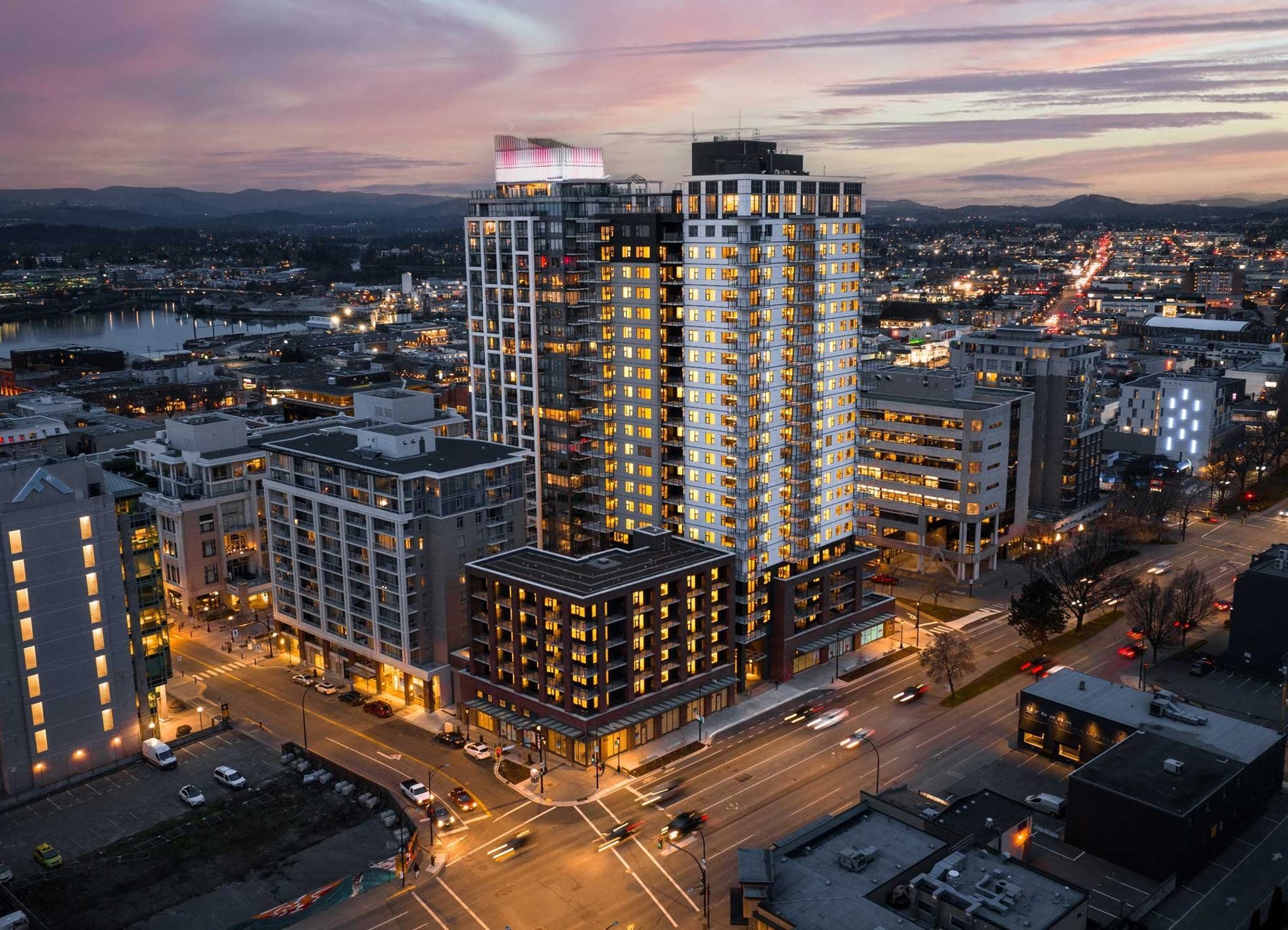
Show the building, site layout, access and the surrounding context from above.

For CRE brokerages, owners, property & asset managers
Interior, exterior, drone and surrounding-area photography, plus branded listing videos. Choose the coverage you need and get an instant estimate.
Commercial real estate listing media
Trusted by







Photography
Combine the coverage that suits your property. Explore real examples of each type below.
Show the building, site layout, access and the surrounding context from above.
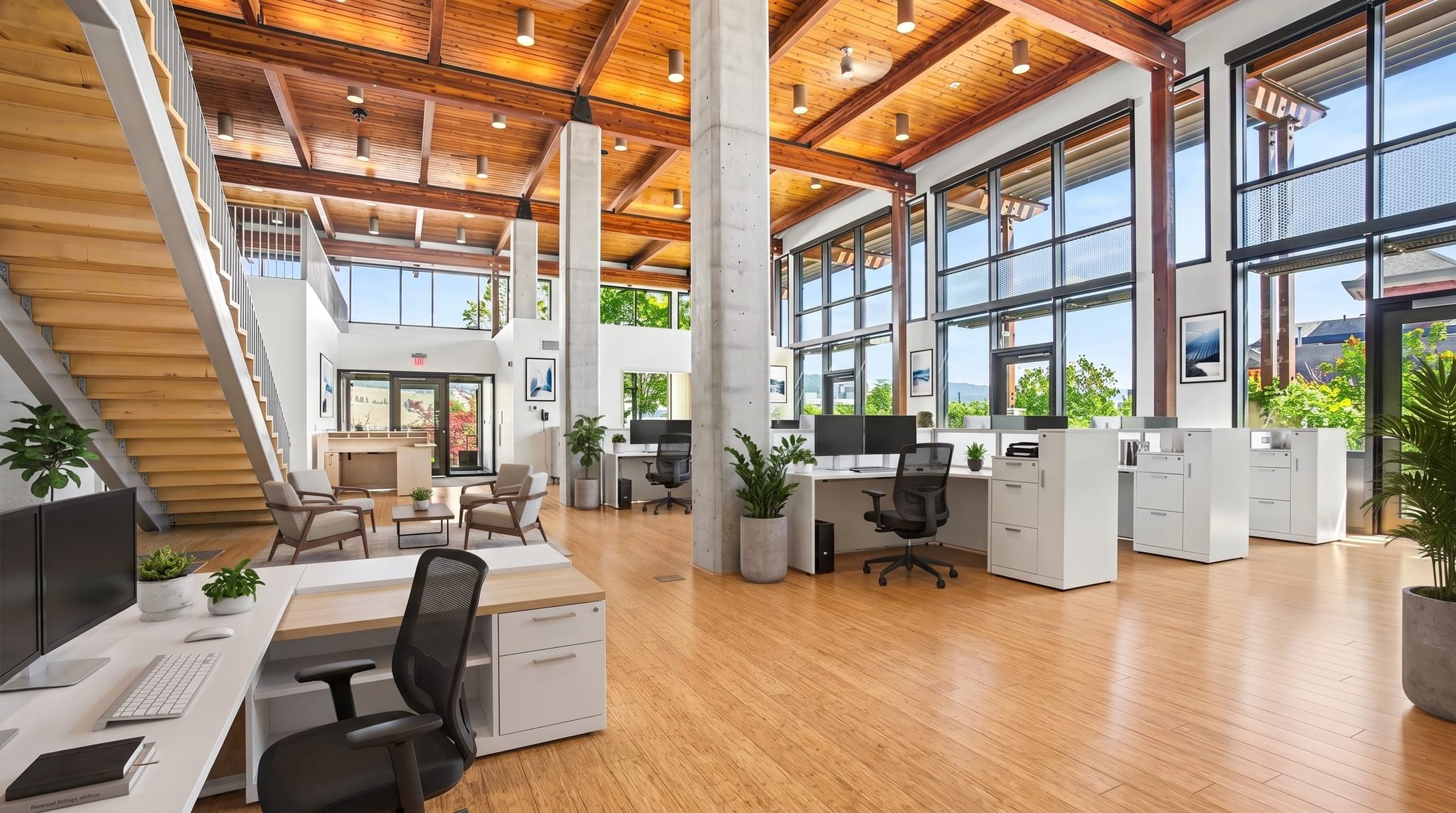
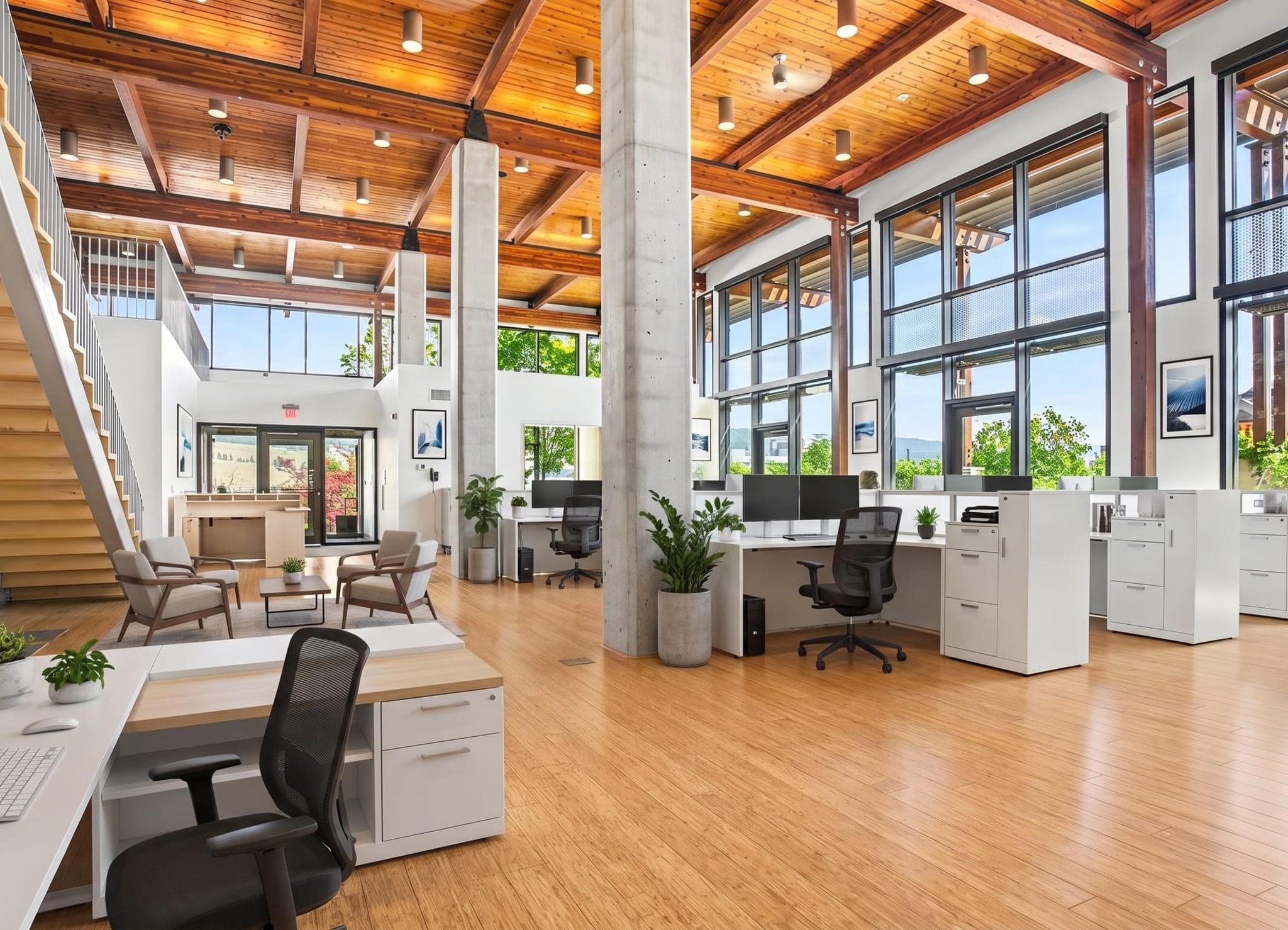
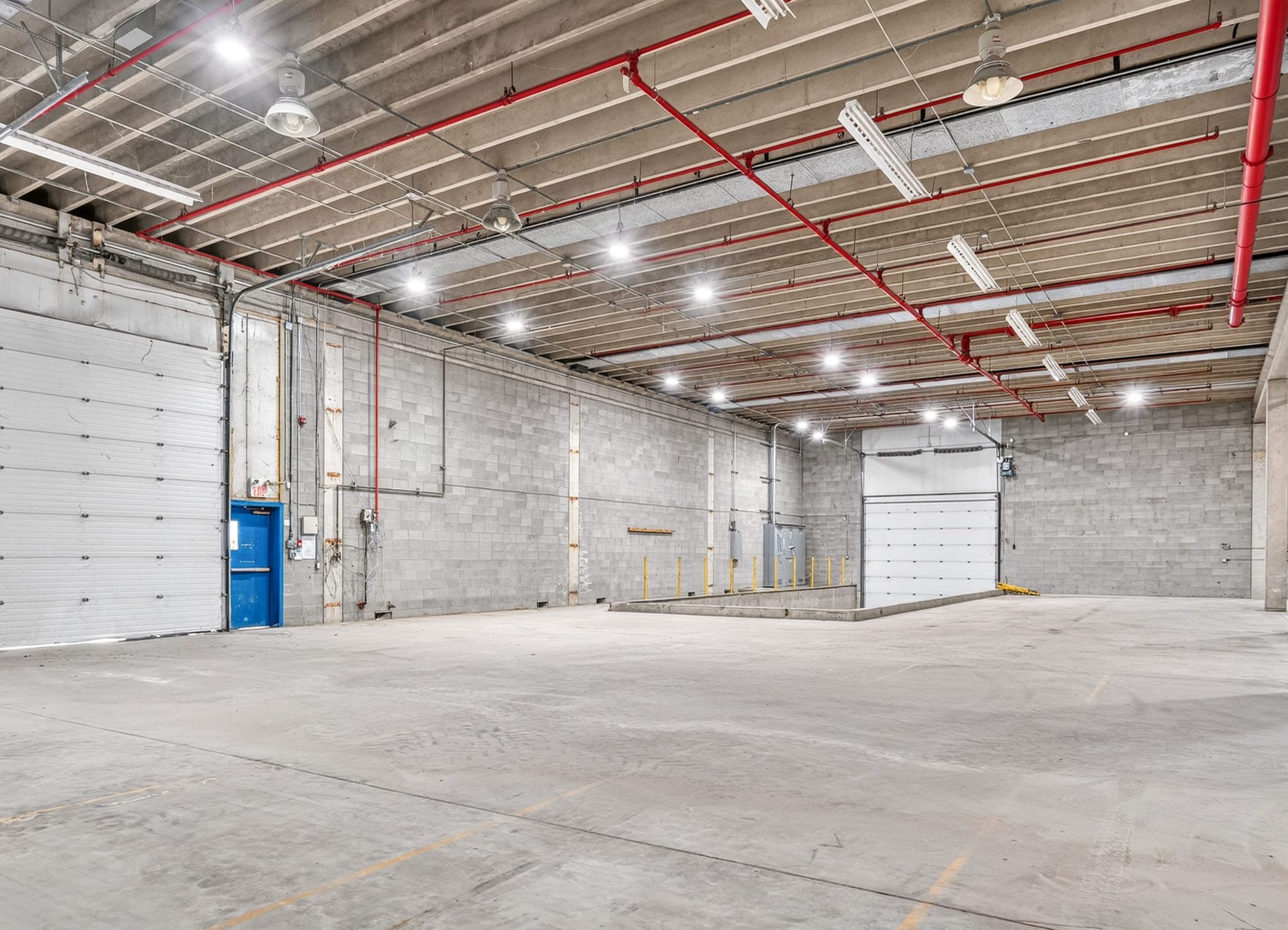
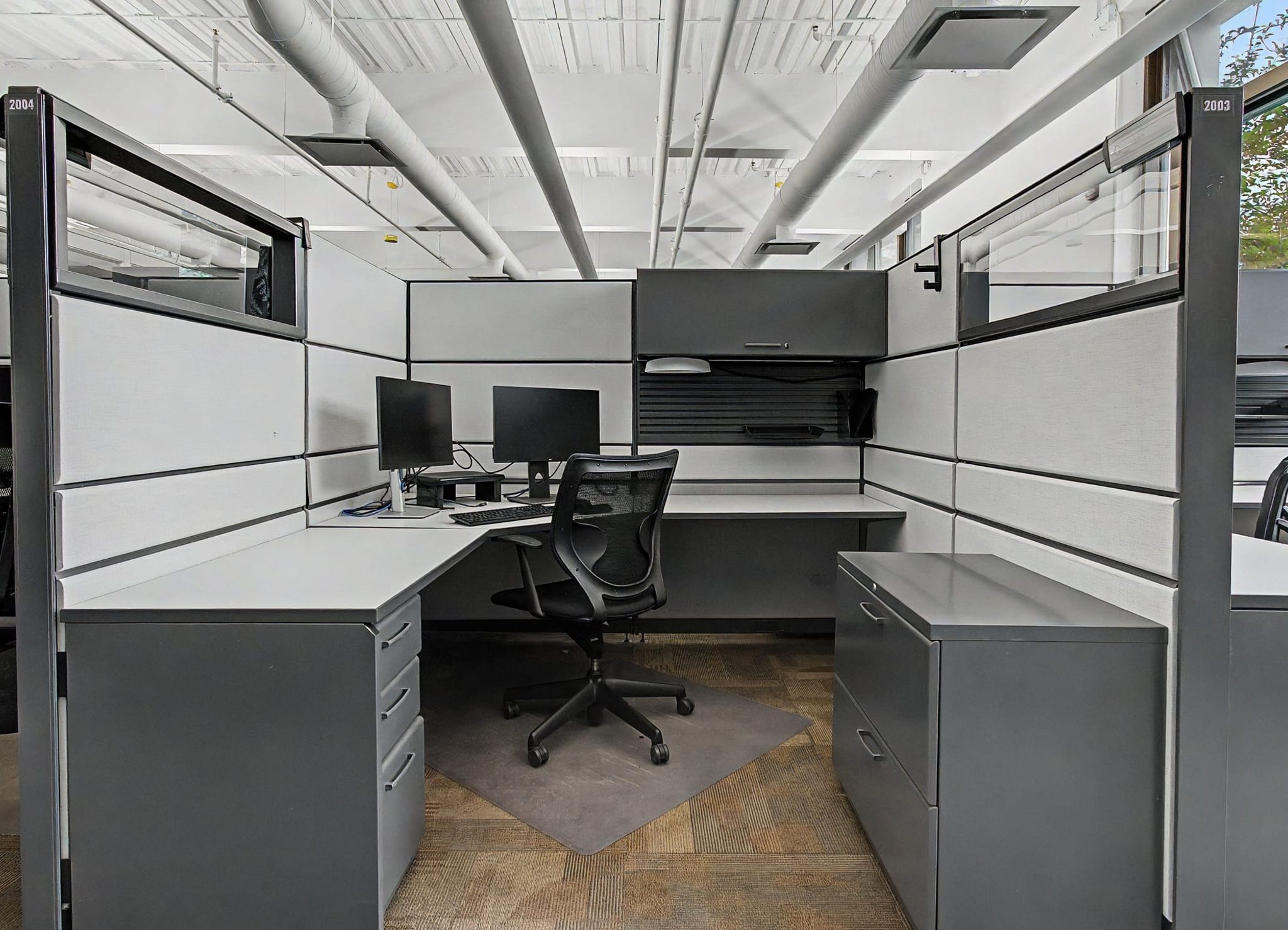
Show usable space, finishes and amenities, from office suites to warehouse interiors.
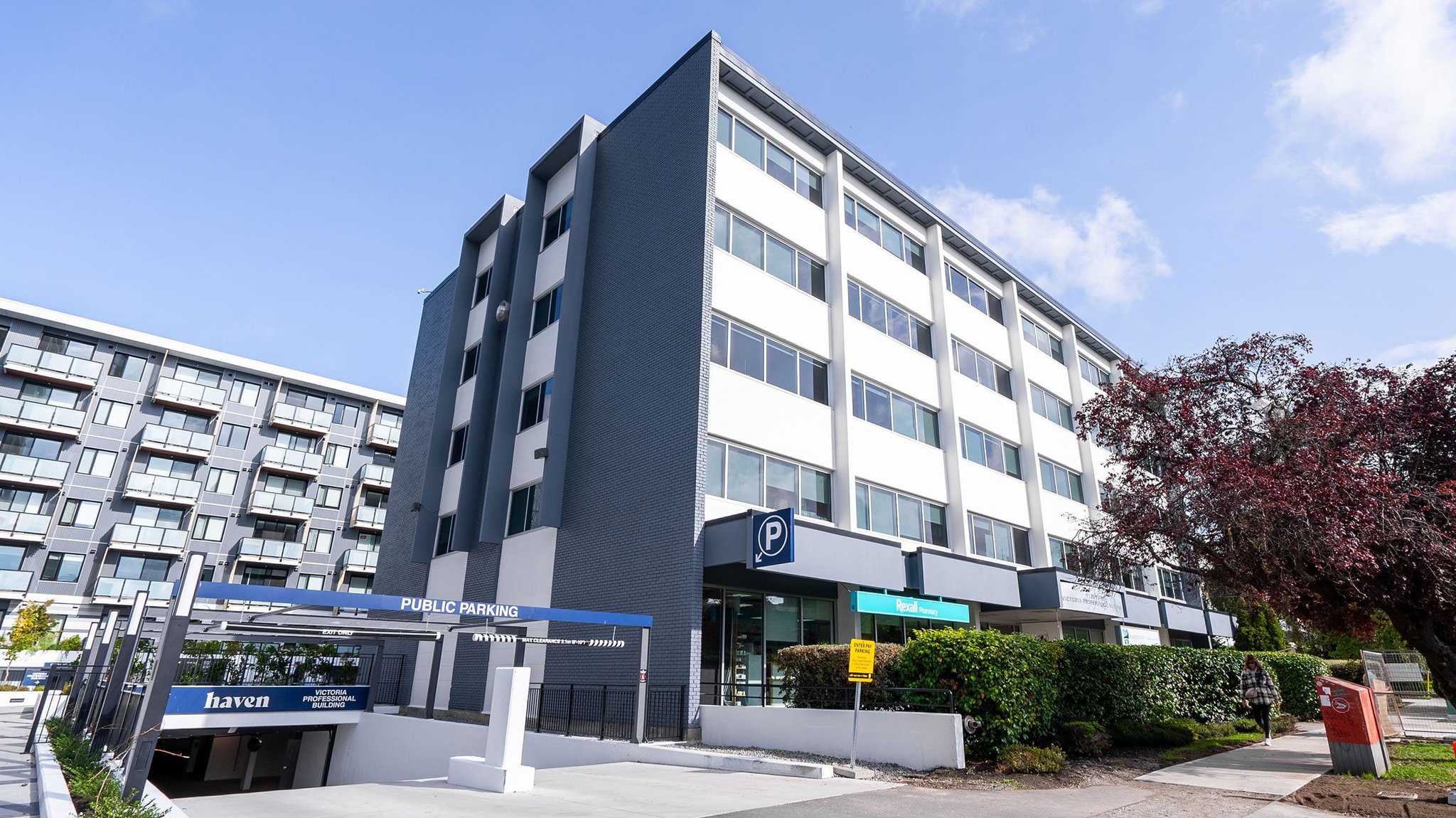
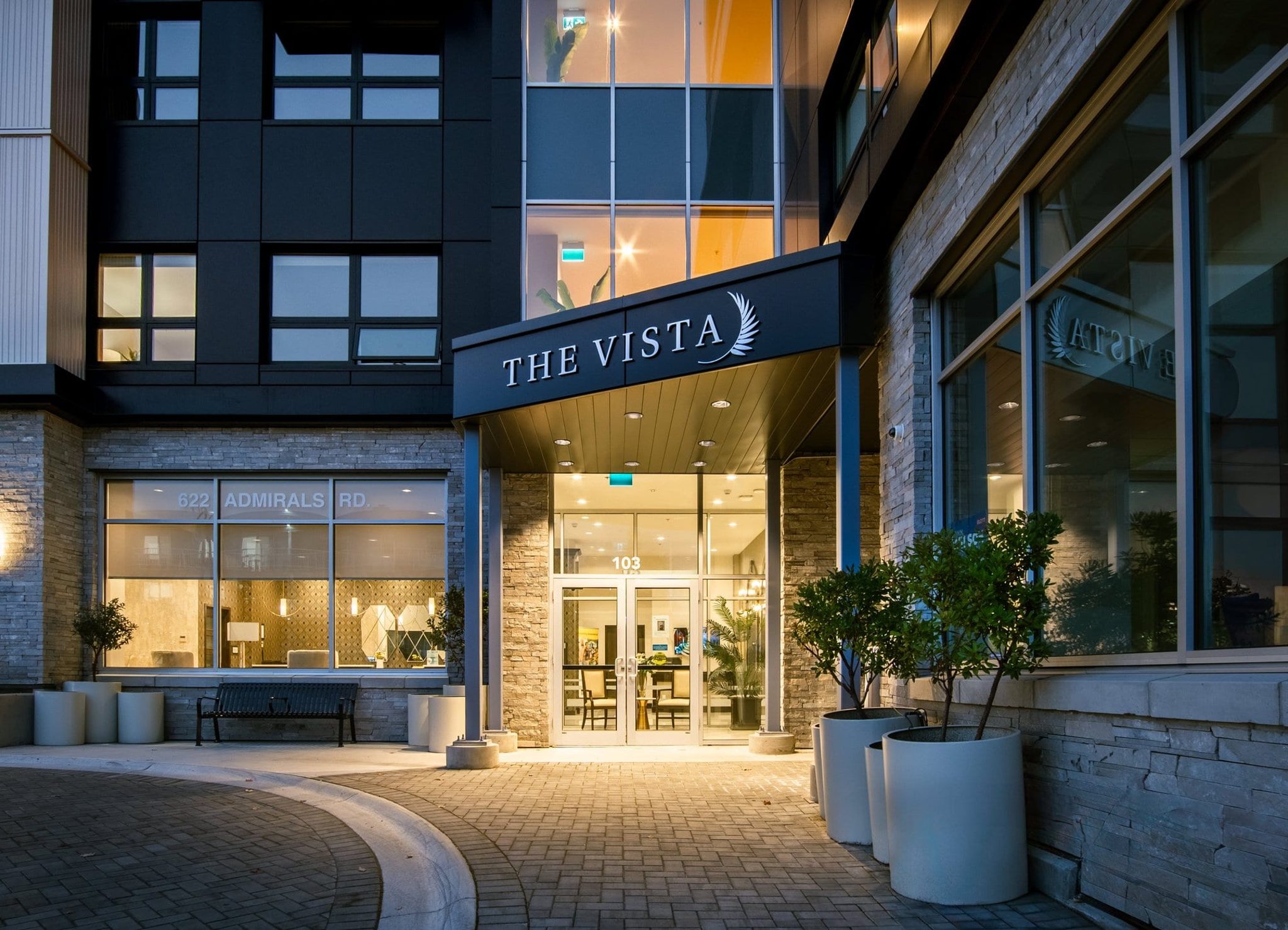
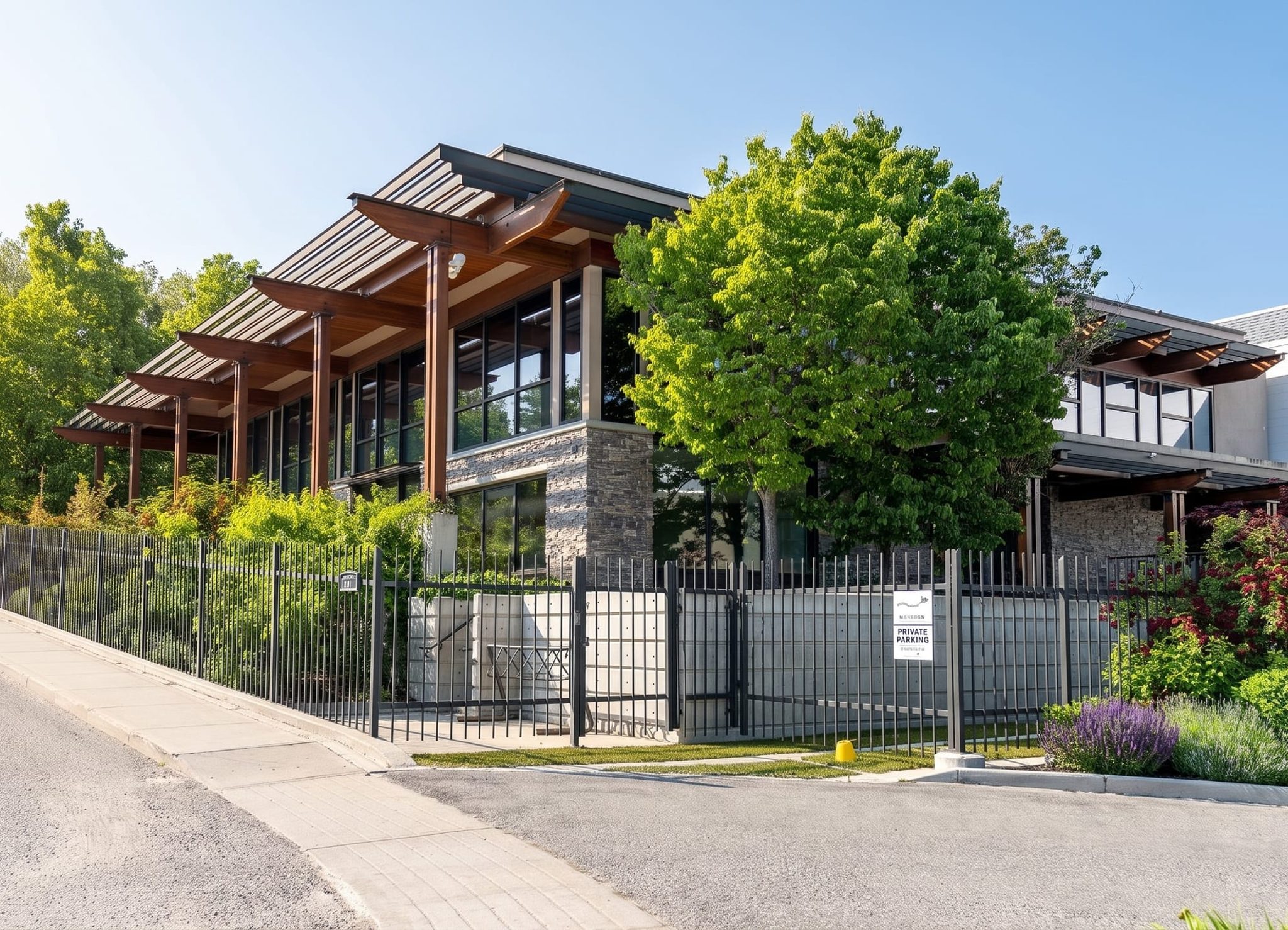
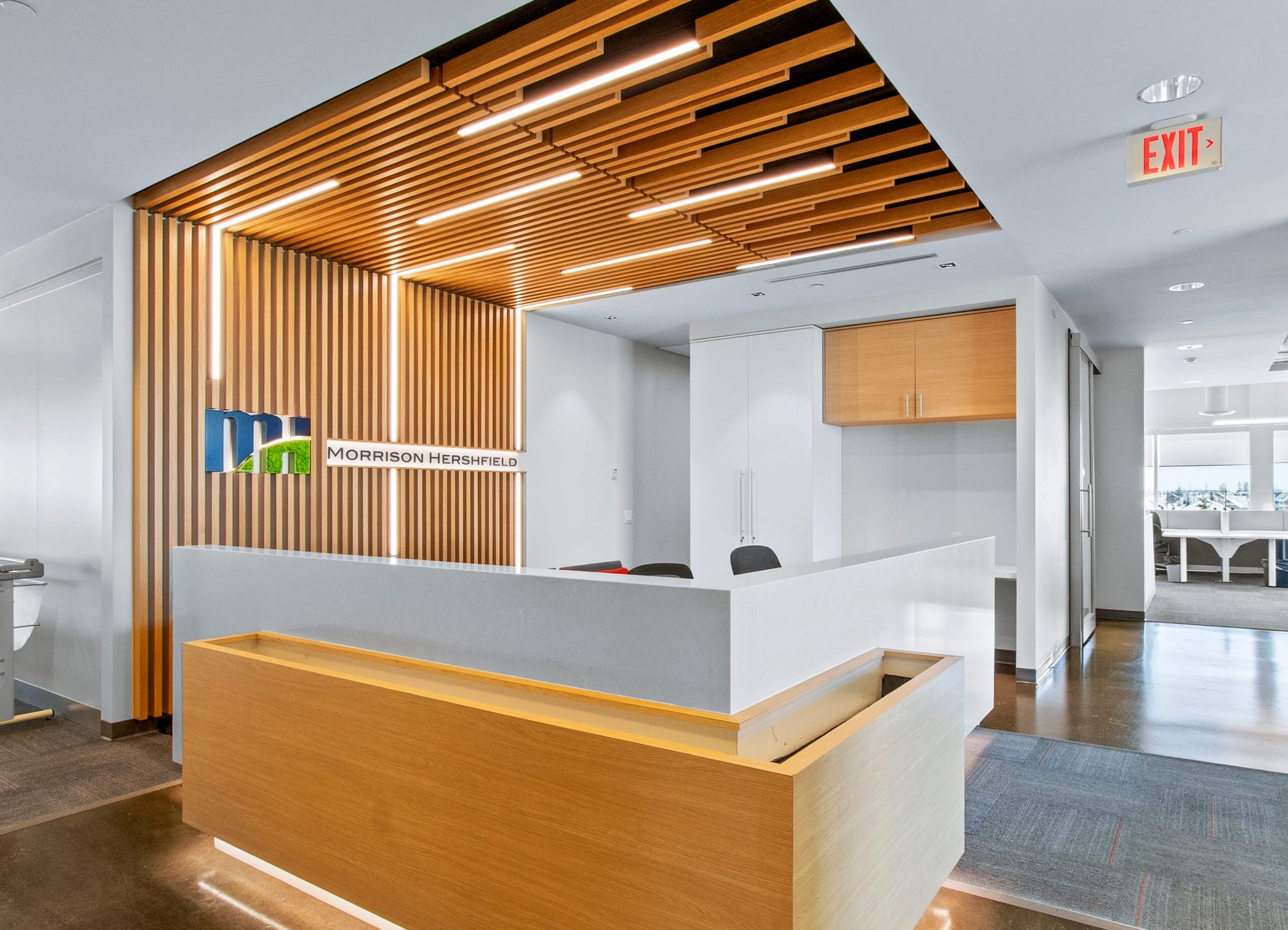
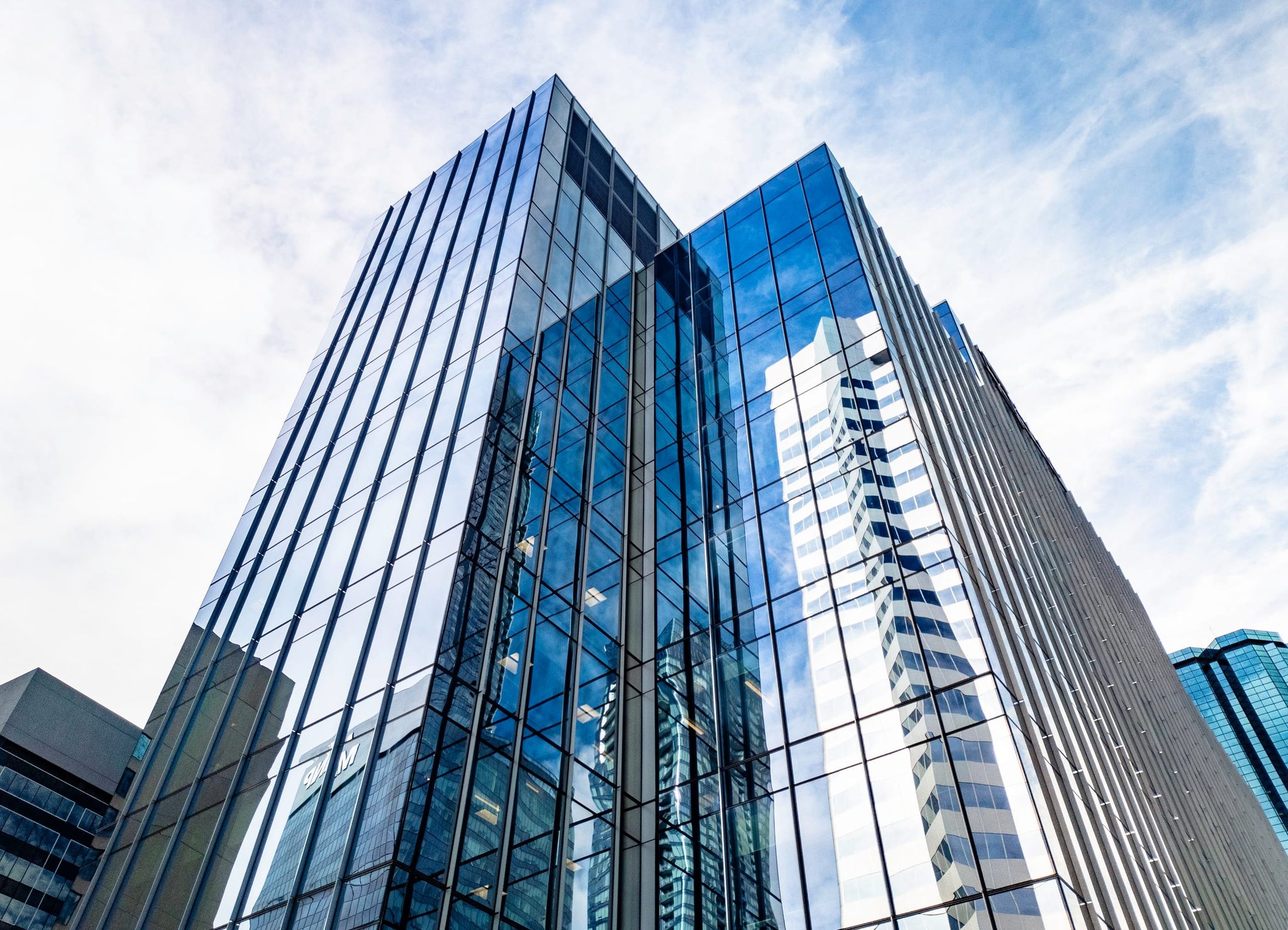
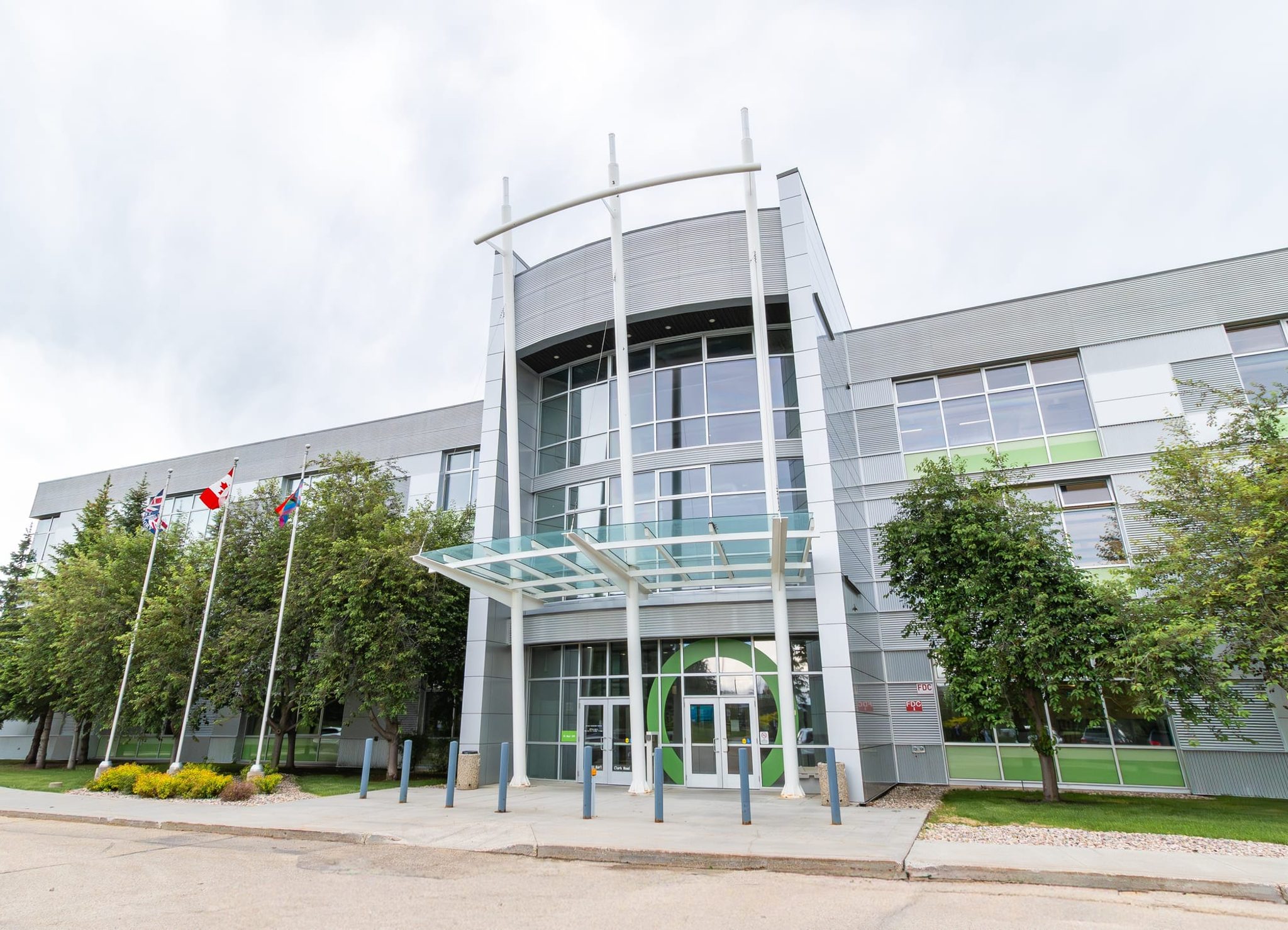
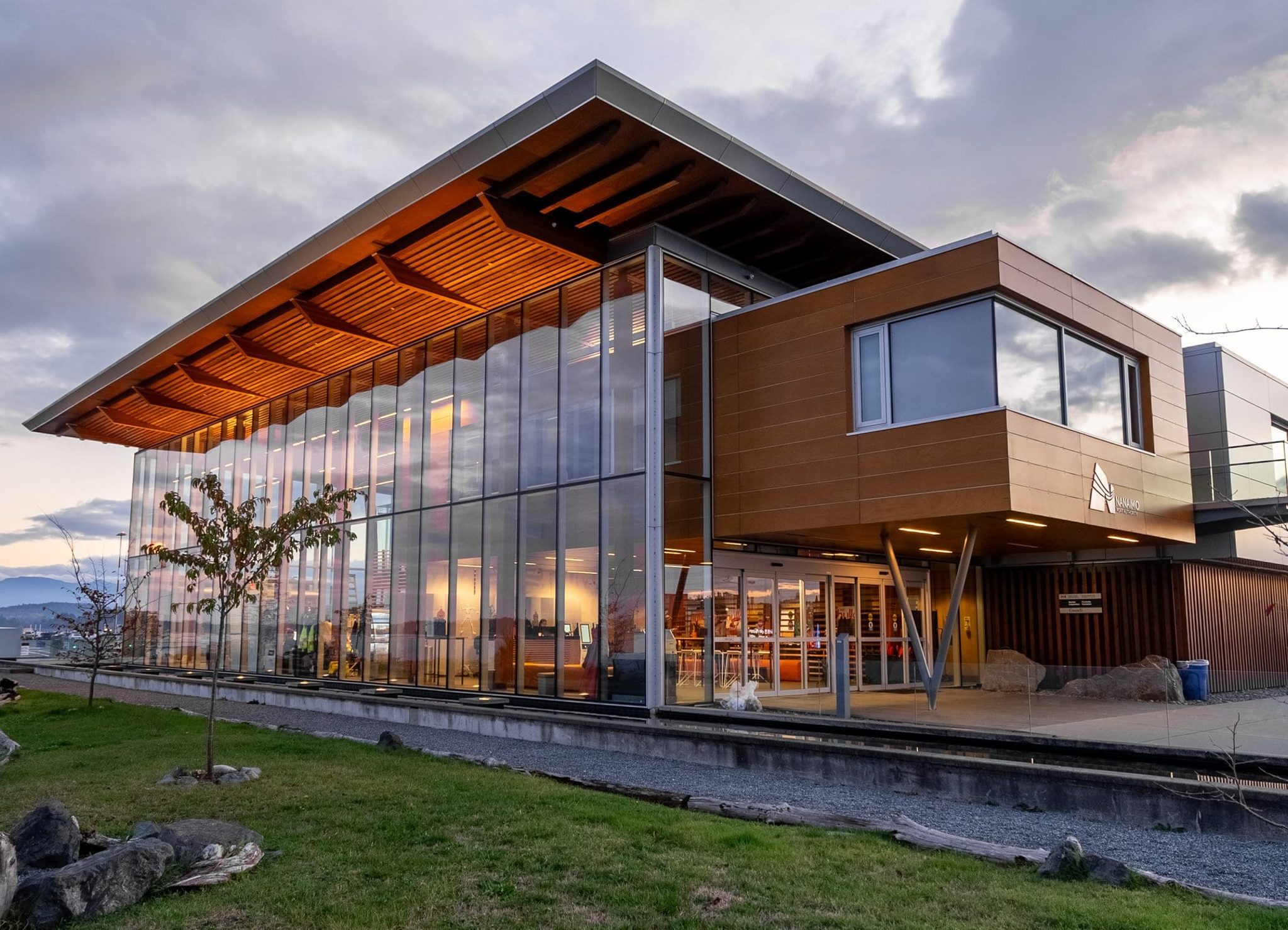
Show the building at ground level, including entrances, frontage and outdoor features.
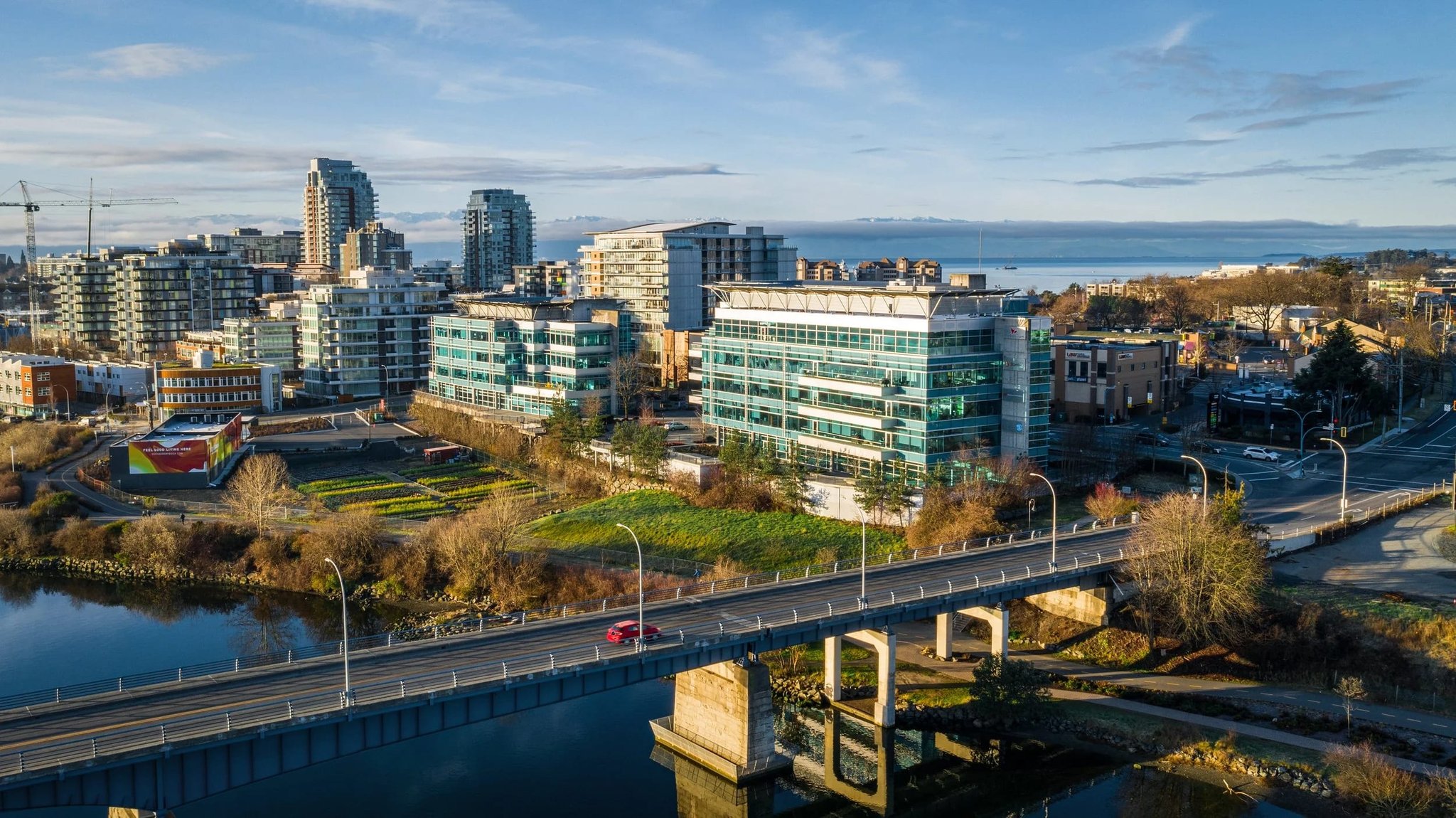
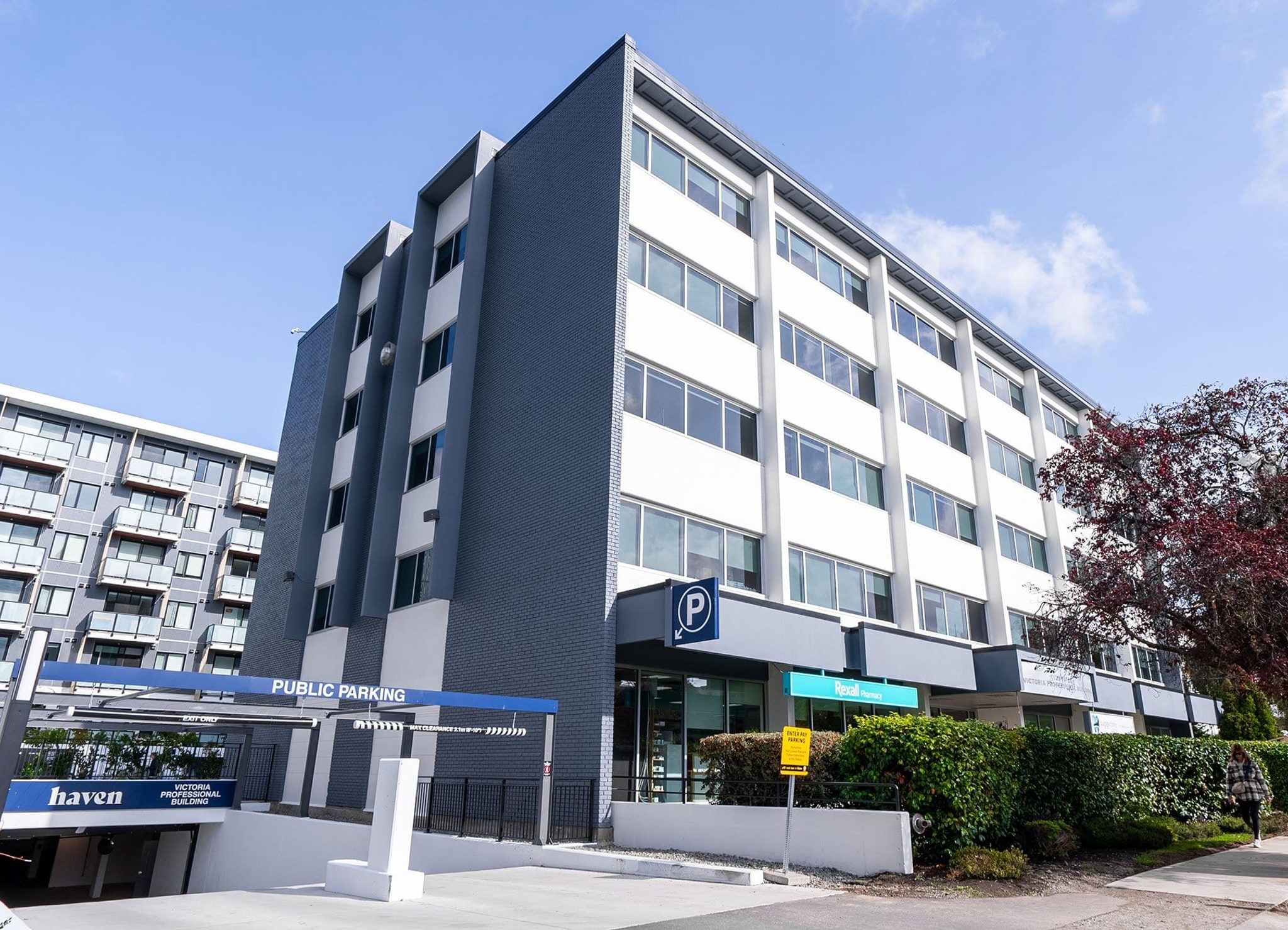
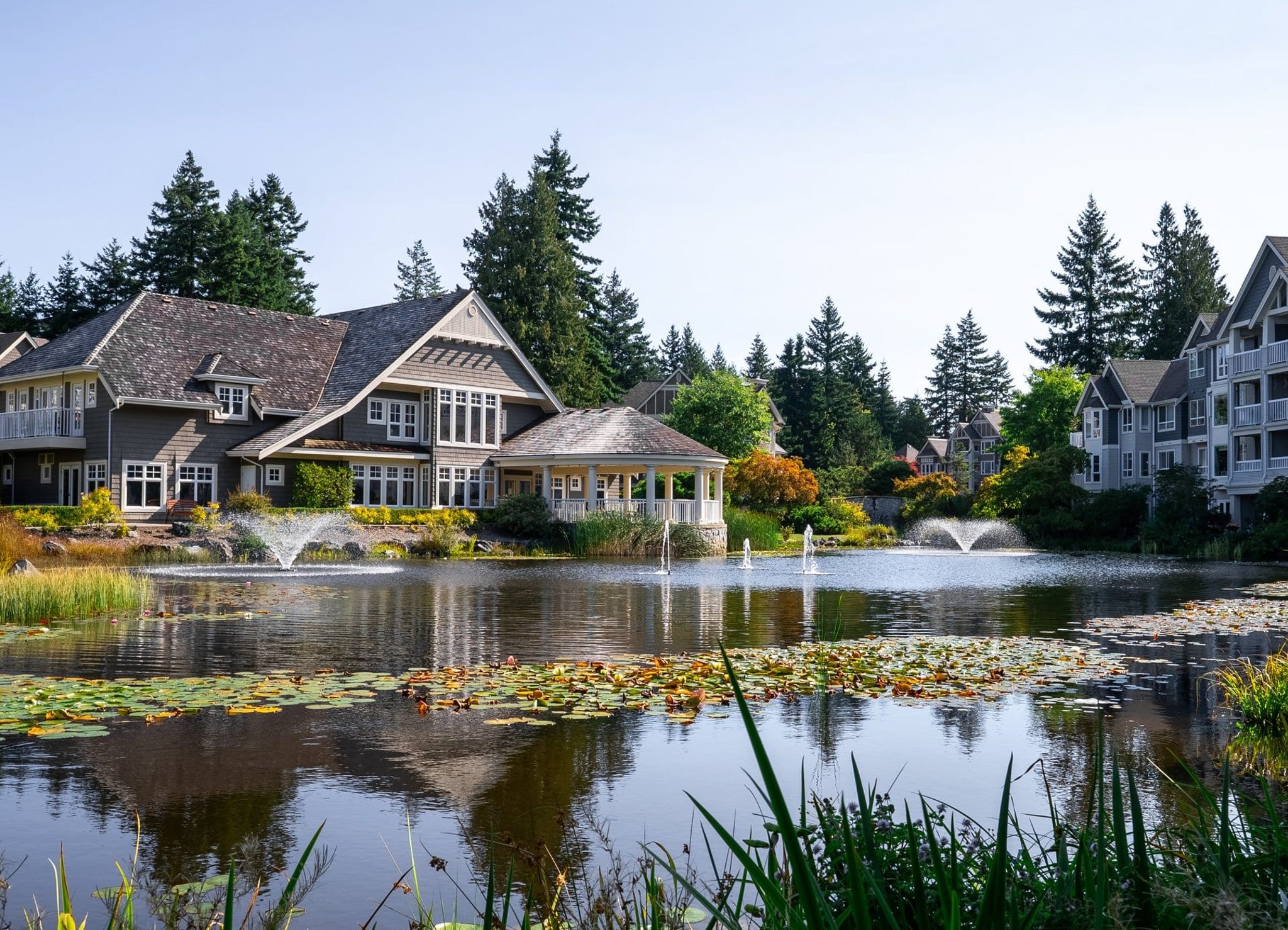
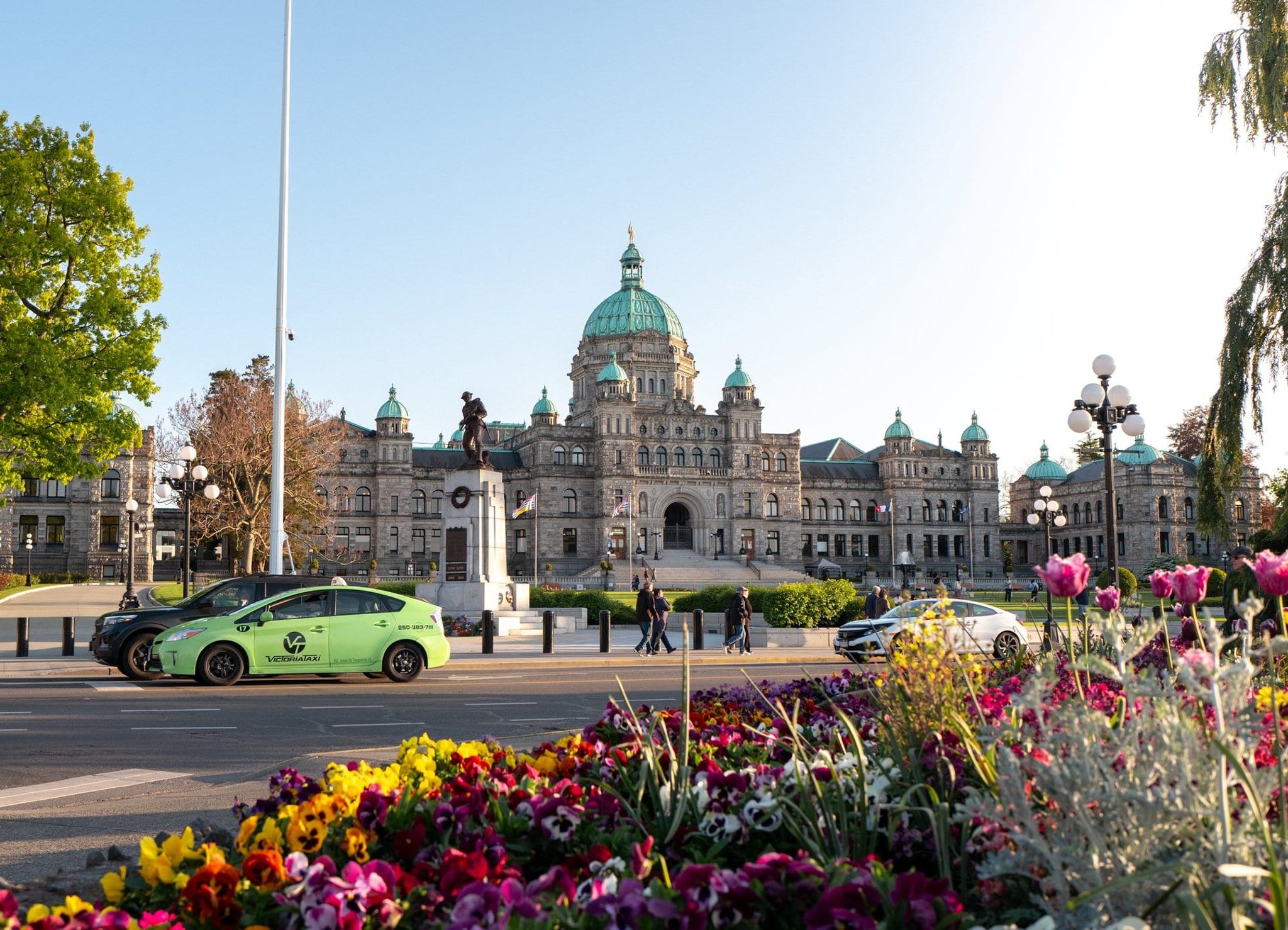
Put the location in context with nearby amenities, streets and neighbourhood views.
Choose your scope, add your contact details, then see live pricing. Review everything before sending a shoot request.
Not sure where to start? Email us.
Listing video
Start with a rough brief, a storyboard, or simply your listing brochure and brand assets. We’ll shape them into a video that tells the property’s story, with editing options from a quick, clean listing video to a fully custom production with bespoke branded elements.
For a straightforward listing video that lets the property speak. Clean cuts and pacing, with your logo, brand colours and fonts.
Choose this when viewers need more context. Branded titles, listing details and motion graphics highlight the property’s features and opportunity.
For a fully custom video built around your creative brief. Bespoke motion graphics, animated branding and sound design give the listing its own visual identity.
Add an animated location map to show nearby amenities, connections and the property in its neighbourhood. We can build it into your listing video.
Animated maps are an optional part of your video scope.
Get an instant estimate for filming and editing, then review before sending your request. We’ll confirm delivery timing with your scope.
Not sure where to start? Email us.
Finishing
Explore staging, object removal and lighting treatments for your listing. Tell us what you need so we can confirm the options and any additional cost.
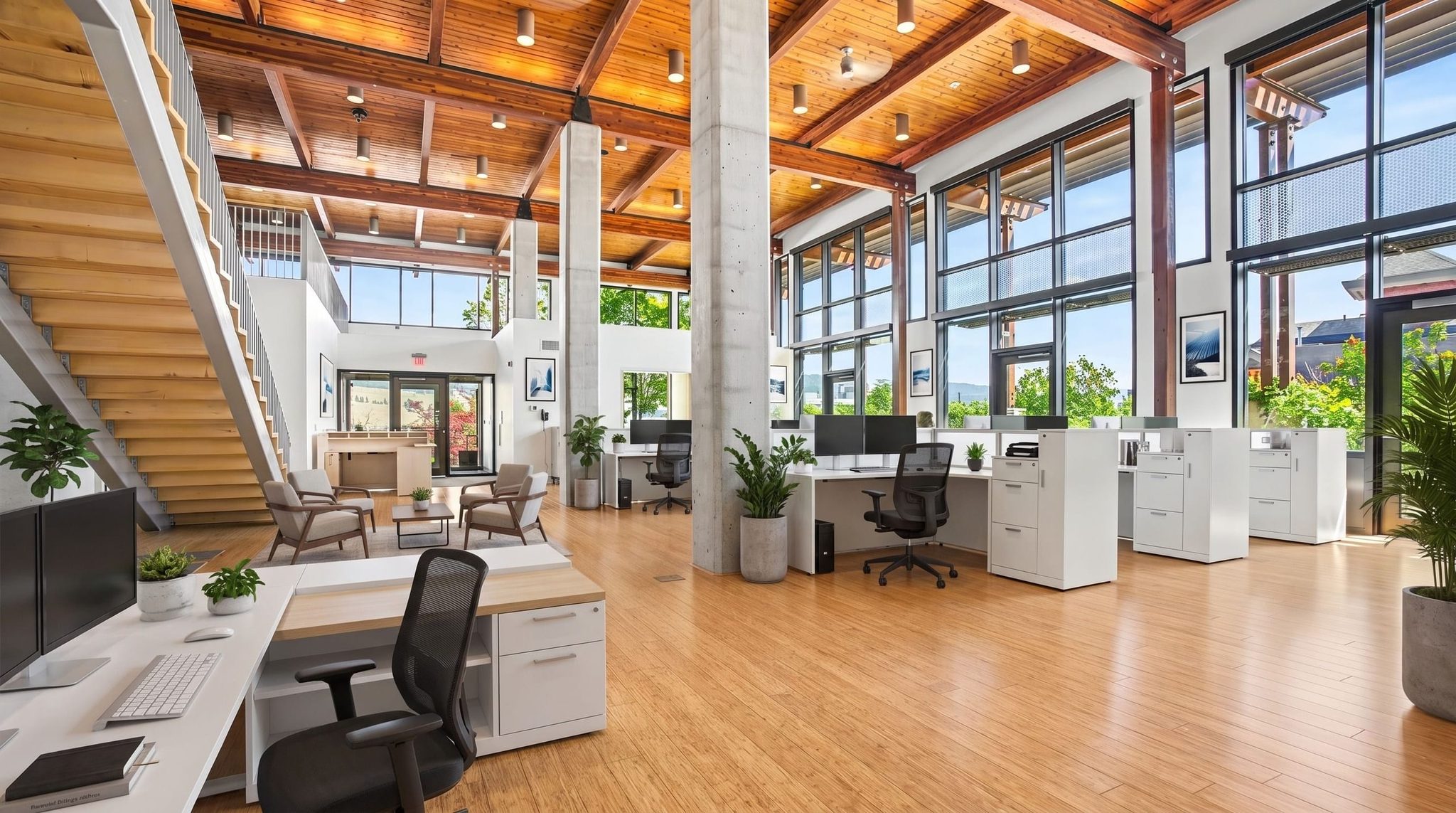
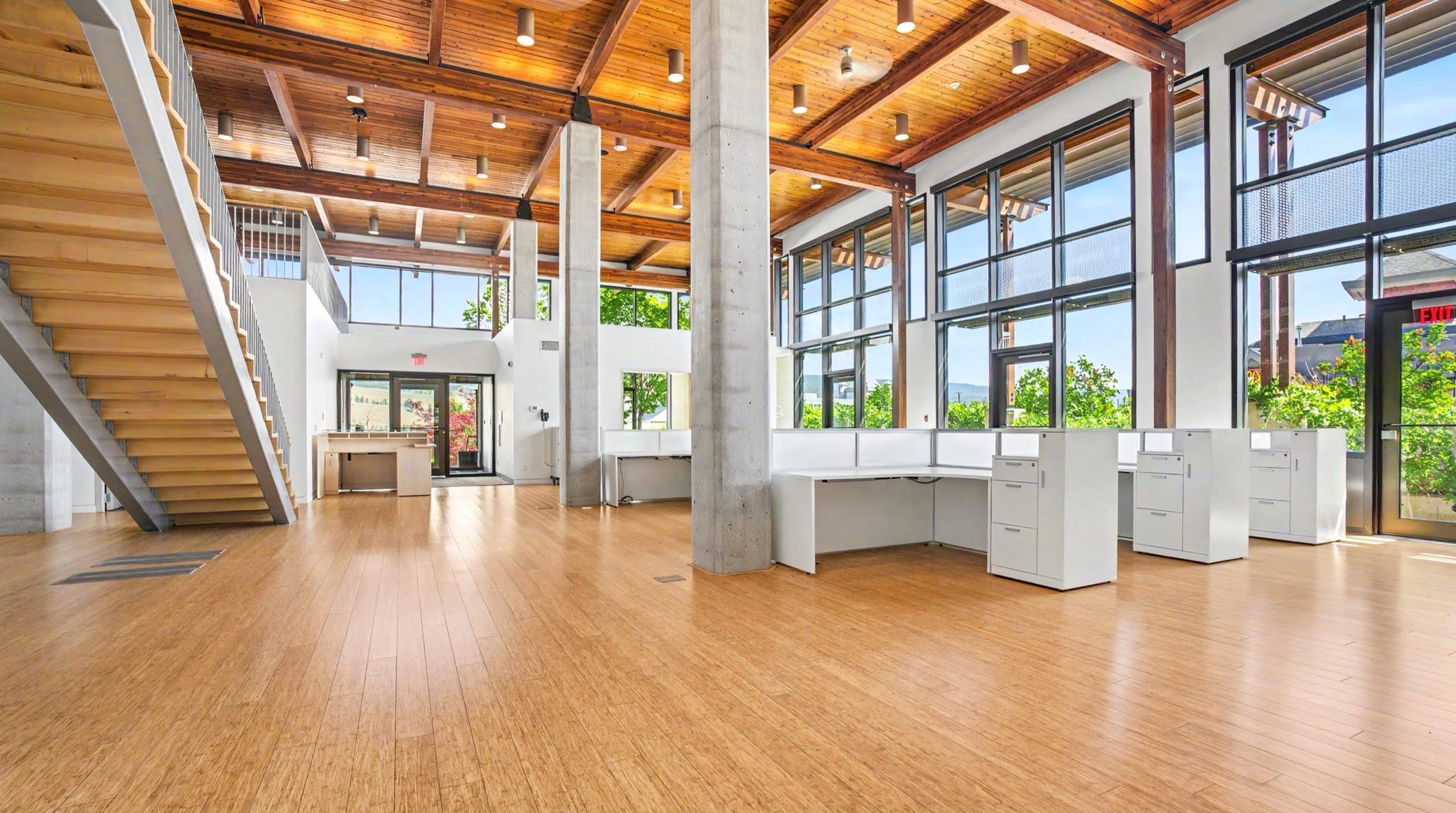
Fast edits to enhance your listing
Planning your shoot
Select the photography you need and whether you want a listing video. You can also ask us to help you choose.
Have the address, preferred dates, required spaces and access contact ready. For video, add your brochure and brand assets.
Check your coverage and indicative estimate before submitting. We will confirm availability and the final scope with you.
For multi-family properties, tell us which suites, common areas and amenities to include. Arrange access to occupied spaces ahead of the shoot.
One central editing team keeps the photography consistent across your properties.
Coordinate your shoots through SkyScope, including properties in different cities.
Include your job number or PO and coordinate billing requirements with our team.
Yes. Choose drone, interior, exterior and surrounding-area coverage to suit your listing. Tell us which spaces and features matter so we can confirm the scope before the shoot.
Photos are delivered within 24 hours of the shoot. Video timing is confirmed with your project scope and depends on the footage and editing required.
Yes. Coordinate access with your tenants or property contact before the shoot and tell us about any restricted areas. For multi-family listings, identify representative suites, common areas and amenities you want covered. Flag confidential material or personal items that should stay out of frame.
Start with your property brochure or a short list of key features, plus your logo and brand guidelines. Share a storyboard if you have one, and tell us where the finished video will be used. We will confirm footage, graphics, maps and timing with you.
Open the commercial booking form, enter your details and choose your coverage to see an indicative estimate. Video is priced as footage capture plus editing. Viewing an estimate does not book a shoot; you review and submit the request when you are ready.
Choose the not-sure option in the commercial booking form, or send us the property details and what you need to show. We can help you work out the coverage.
Ask about your listingChoose your coverage and see an indicative estimate. Review everything before sending a shoot request.